The 10-K Reading Workflow: Get the Signal Without Losing Your Weekend
July 14, 2026 · DWork Research
It's Saturday morning and the 10-K you actually need to read is 180 pages. You know how this goes. You open the PDF, get twelve pages in, hit the risk-factors boilerplate, start skimming, promise yourself you'll come back to the segment footnotes, and by four in the afternoon you have thirty browser tabs and a vague feeling instead of a view. The filing rewards a kind of patience you don't have on a weekend, and the part you actually came for — how this company makes money, what changed since last year, which risks are real versus legal cover — is scattered across the MD&A, the segment notes, and three different corners of the financial statements.
Here's a repeatable way to get the signal out of a 10-K in an afternoon, using dwork as the reader that doesn't skim. The whole point is that you stop being the one who has to hold 180 pages in your head.
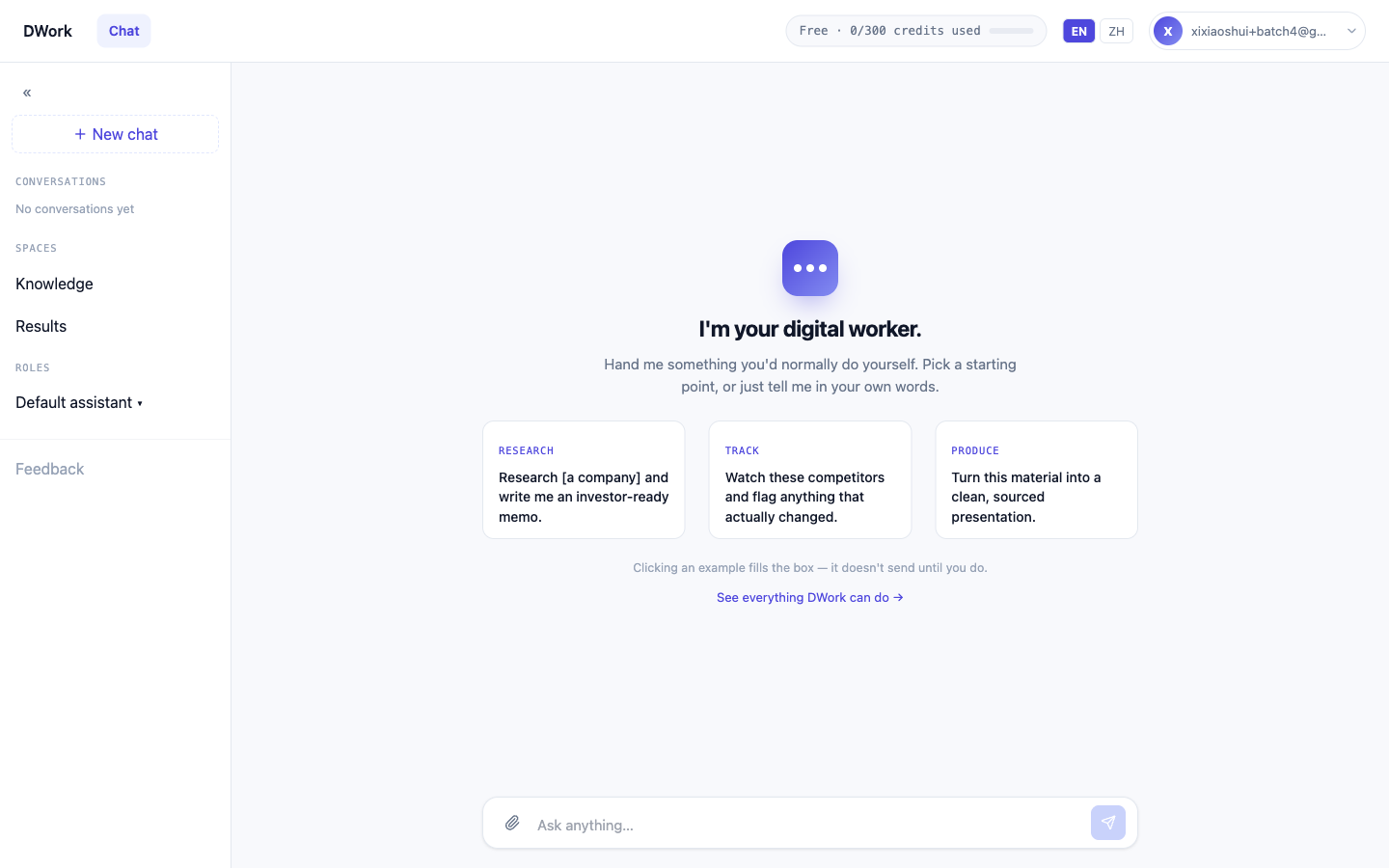
The workflow
Step 1 — Hand it the filing and say exactly what you want.
Paste this into the composer and swap in your company:
Read [Company]'s most recent 10-K. Give me a one-page map of the business: how it makes money by segment, its top 3 risk factors, and anything in the MD&A that contradicts the headline narrative. Cite the exact section and page for every point.
You can upload the PDF directly — dwork reads PDF, DOCX and XLSX — or just name the company and let it pull the public filing. What it does: reads the primary document end to end, not a summary of a summary, and comes back with a structured map where every claim is tied to a section. The section-level citations are the whole reason to work this way. You can click straight to the paragraph and check it before you believe it.
The composer screenshot below shows the exact same move for an IPO prospectus (SK Hynix). A 10-K is the same shape of dense primary document — the brief barely changes.
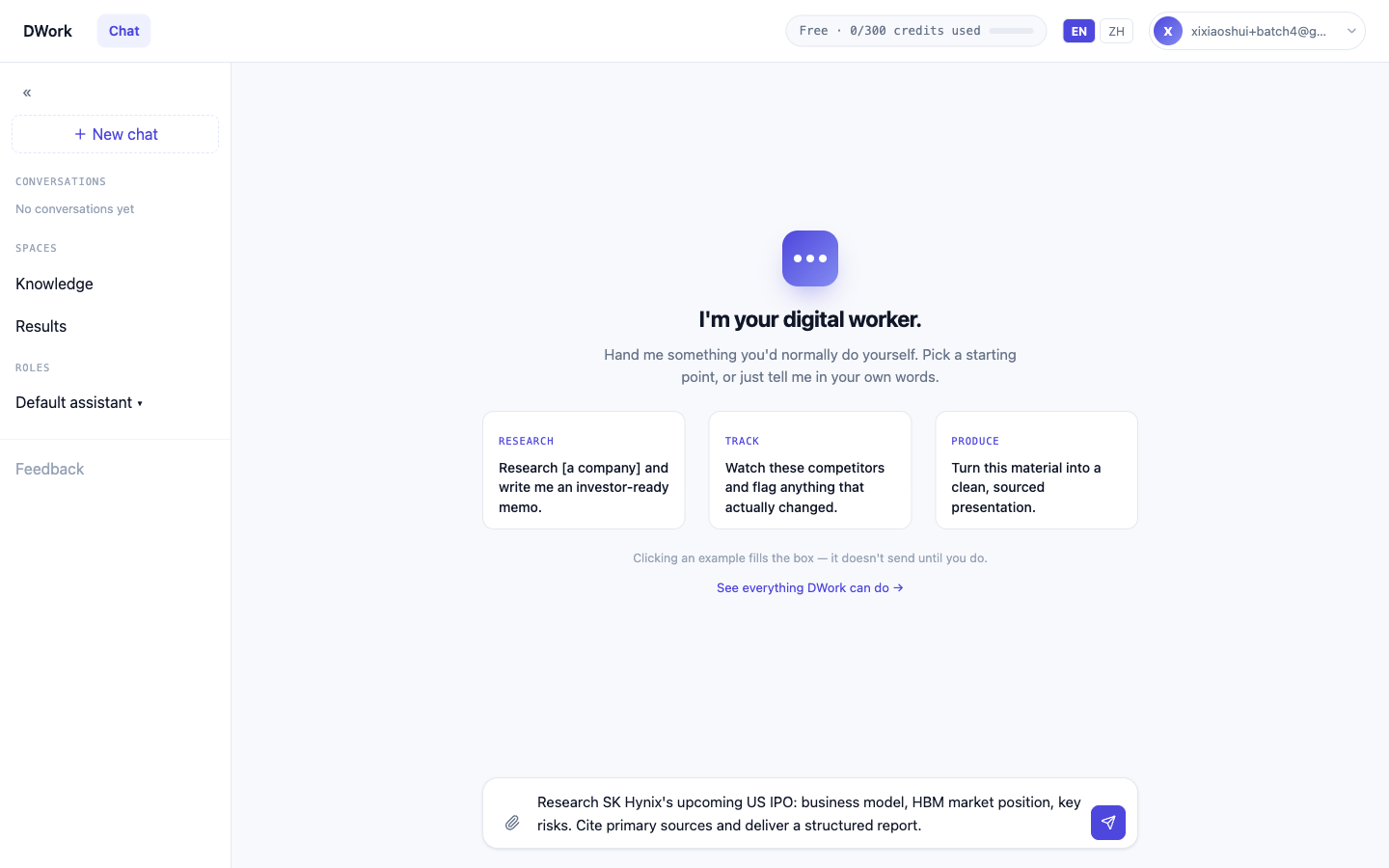
Step 2 — Pull the numbers into something you can sort.
Now pull the last 3 years of segment revenue, gross margin, and free cash flow from the filings into an Excel table, and flag any line that moved more than 20% year over year.
What it does: cross-reads the current 10-K against the prior years, extracts the figures, and hands back an actual spreadsheet — not a wall of prose you have to retype into your own model. This is the step that usually eats your whole afternoon. Here it's one prompt, and the numbers arrive already lined up next to their sources.
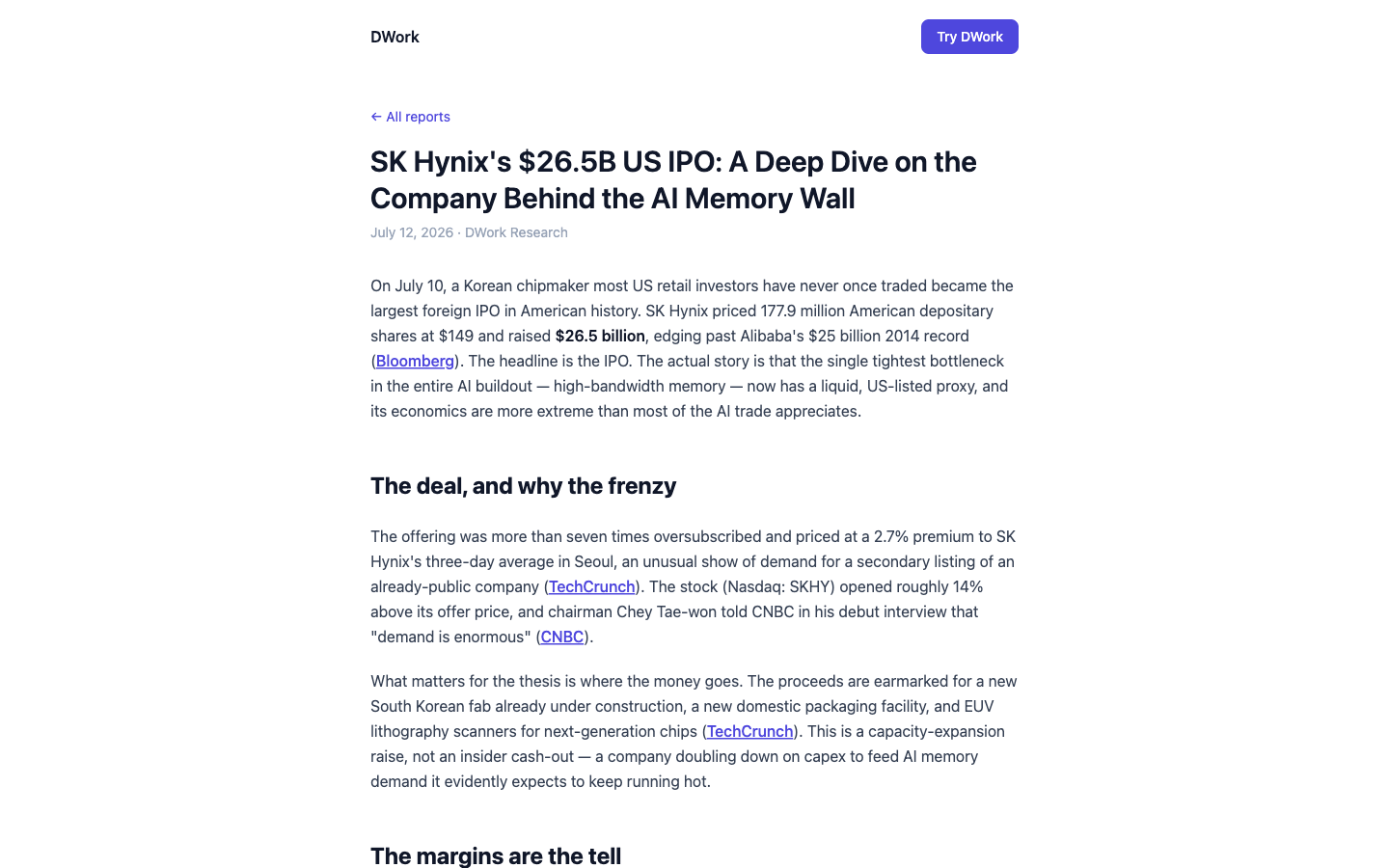
Step 3 — Turn it into a memo you'll still understand next quarter.
Turn this into a 2-page investor memo: the thesis, the numbers that support it, the numbers that don't, and the open questions I should keep watching. Keep every citation.
What it does: produces a structured report (it can build a slide deck instead if you have to present this to someone). The "numbers that don't support it" line is the one that matters — you're asking the agent to argue against your own read, which is exactly where a 180-page filing earns its length. A memo that only lists the bull case isn't research; it's a mood.
Step 4 — Put next quarter on autopilot.
Set up a tracking plan: when this company files its next 10-Q or 10-K, re-run this analysis and email me what changed. And save the filing and memo to a knowledge space so it builds on this instead of starting cold.
What it does: schedules a recurring update, delivers it to your inbox on its own, and files everything into a knowledge space you can reuse across companies and quarters. The weekend you spent reading this filing once becomes a five-minute read every time the company reports.
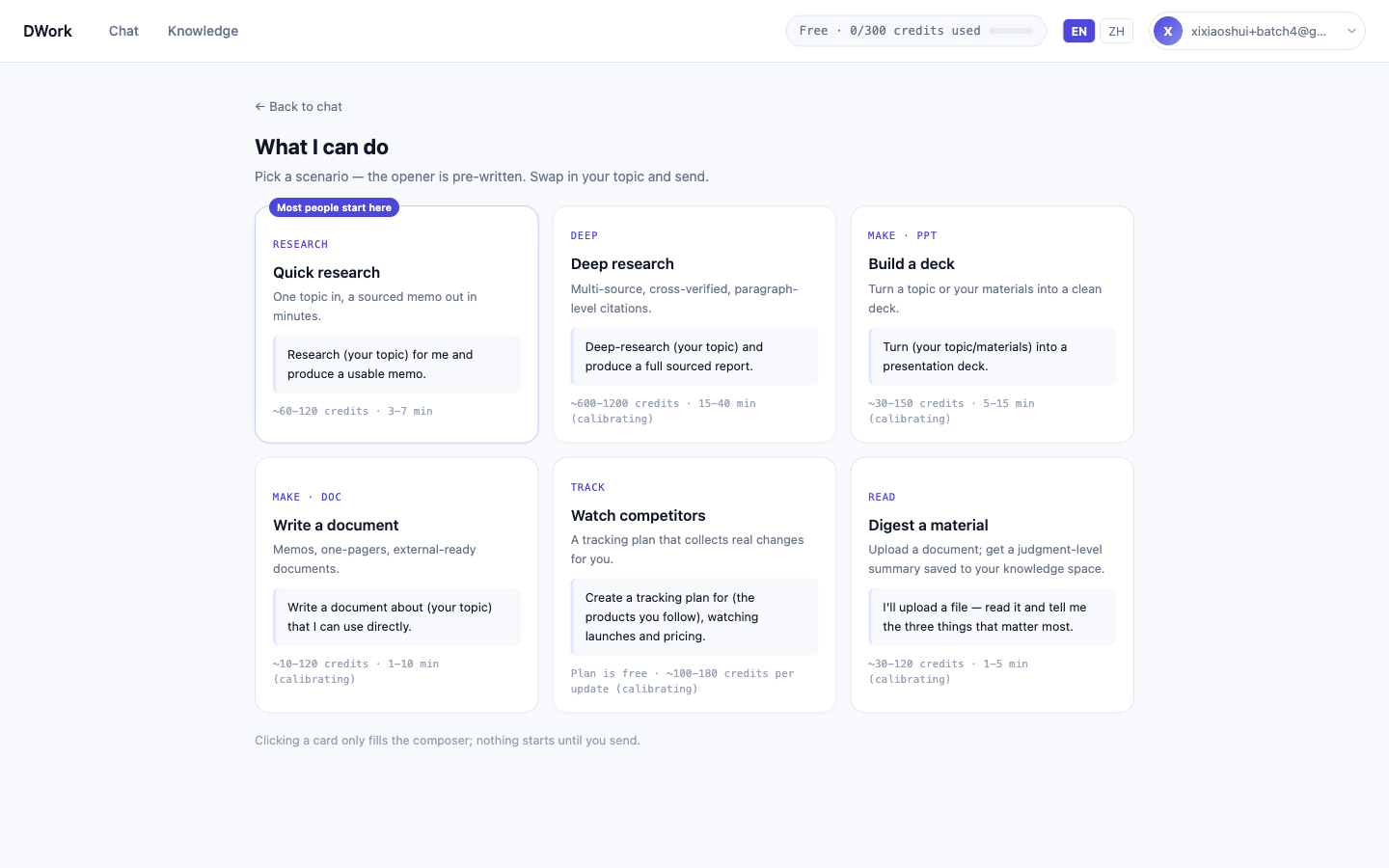
Proof
This isn't hypothetical. Here's a full deep dive we ran with exactly this workflow — a dense primary filing in, a fully sourced report out, every figure clickable back to the document: SK Hynix's $26.5B US IPO: A Deep Dive on the Company Behind the AI Memory Wall. Read it the way you'd want a colleague to read your work: check a number, follow the citation, watch it land in the filing.
What to watch out for
Two honest limits, because pretending otherwise just wastes your time:
- It reads filings and public sources, not the tape. dwork won't hand you an intraday quote or a price reaction, and it can't reach into a paywalled terminal like Bloomberg or FactSet. If your question is "what is the stock doing right now," this is the wrong tool. Its job is the document and the numbers inside it.
- It produces analysis, not a recommendation. You get the risk factors laid out, the segment math, and the open questions — all cited. The buy, sell, or hold call is still yours. That's a feature, not a gap: because every claim links back to a source, you can check its work before you trust it, which is more than most sell-side summaries let you do.
A free account comes with 300 credits — enough for roughly 3–7 full research runs, which is a few complete 10-K reads to see whether this fits how you actually work before you pay for anything.