How to Put Market and Competitor Monitoring on Autopilot
July 30, 2026 · DWork Research
You follow a set of companies for work — the competitors that define your category, a couple of key suppliers, the names your boss asks about in every review. Most weeks that's quiet. Then a busy stretch hits, and inside the same three-week window they all move at once: filings go up, press releases drop, products get repriced, executives get shuffled. You find out late — usually from a link a colleague pastes into Slack after the fact.
So your evenings disappear into fifteen browser tabs. You open fifteen newsrooms and IR pages, skim each for the one paragraph that actually changed, and copy it into a doc nobody reads until Friday. By the time the summary is done, half of it is stale, and you get to do it again next week.
The work isn't hard. It's relentless, and it never batches. Monitoring is the task that quietly eats an hour a day and leaves you with nothing to show except "kept up." Here's a workflow that hands the keeping-up to dwork and gives you back a digest you can actually forward.
Step 1 — Hand it the watchlist once, in plain words. There's nothing to configure. Start a task and describe what you want watched and why:
"Track these companies for me: [Company A, Company B, Company C]. I care about new regulatory filings, product announcements, pricing changes, and senior hires. Ignore routine marketing. Summarize what actually changed."
dwork takes that brief as the standing instruction for the job. If your list already lives in a spreadsheet, upload the XLSX and say "watch everything in column A" — it reads the file and works straight from it.
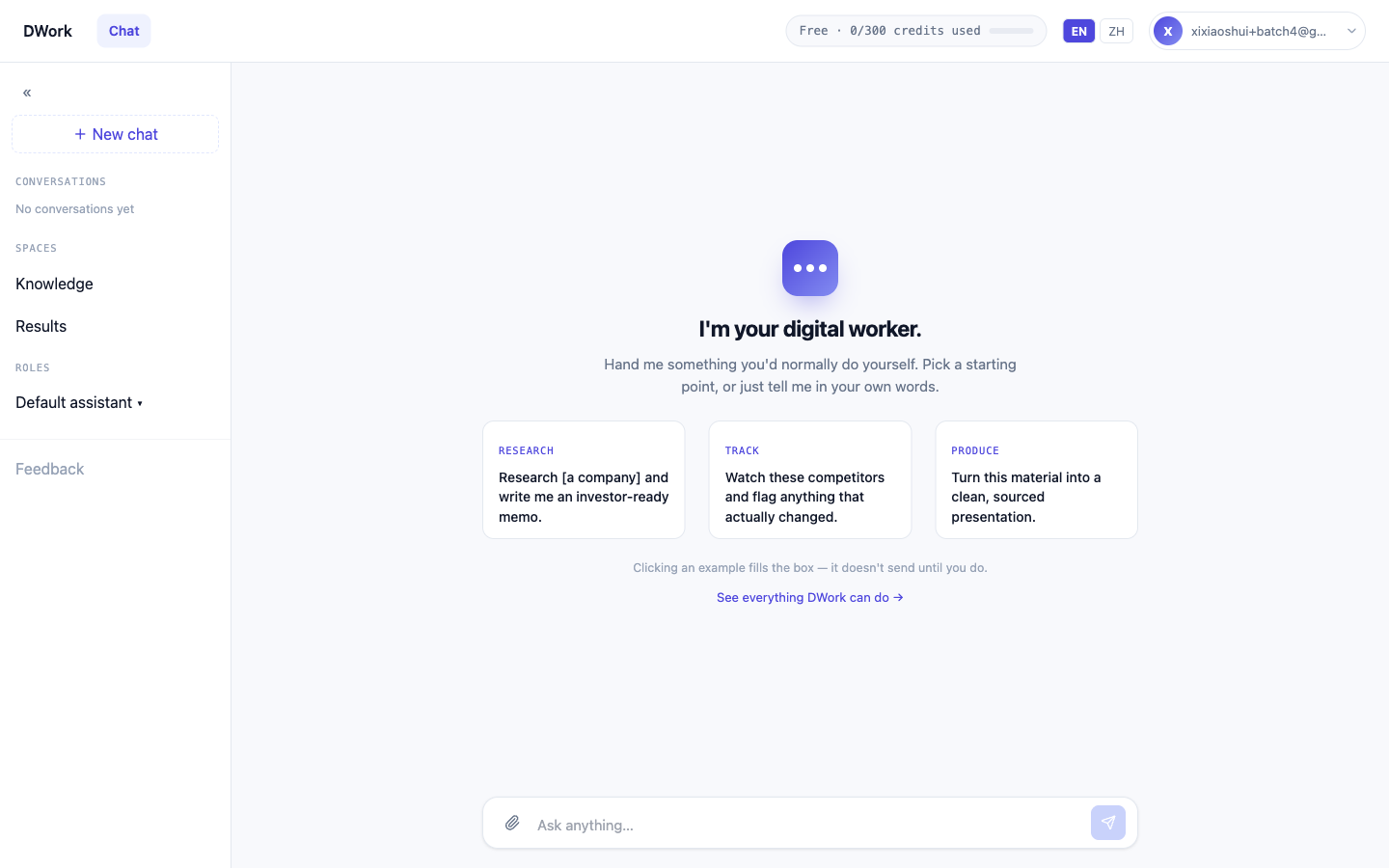
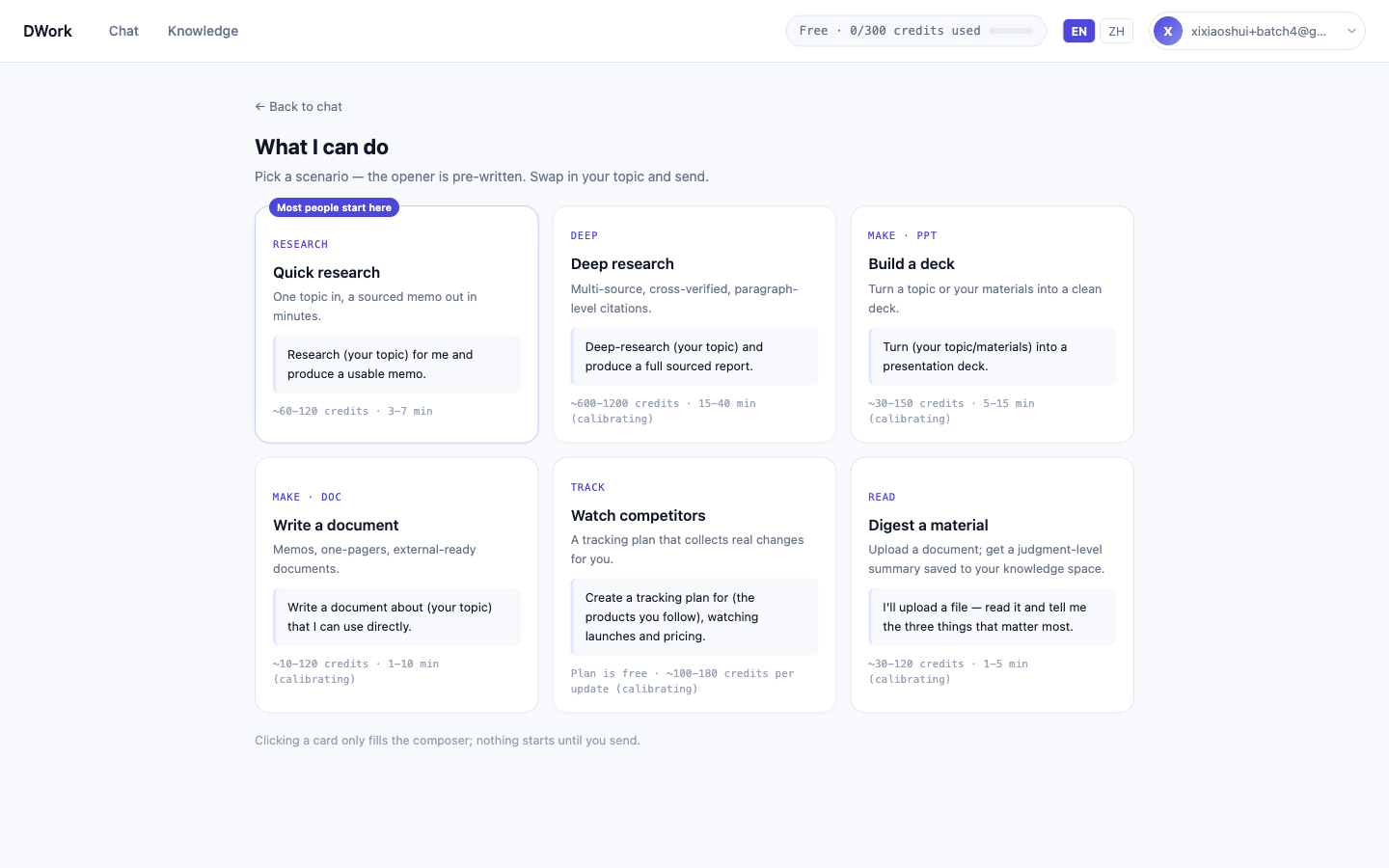
Step 2 — Tell it to come to you, on a schedule. This is the step that changes your week. Instead of you remembering to check, you ask it to check and report:
"Re-run this every Monday morning and email me the update. Lead with what's new since last time; if nothing material happened, say so in one line."
Now it runs on a cadence and lands in your inbox. You stop being the person who has to remember. (It runs on the schedule you set — it isn't a live ticker; more on that below.)
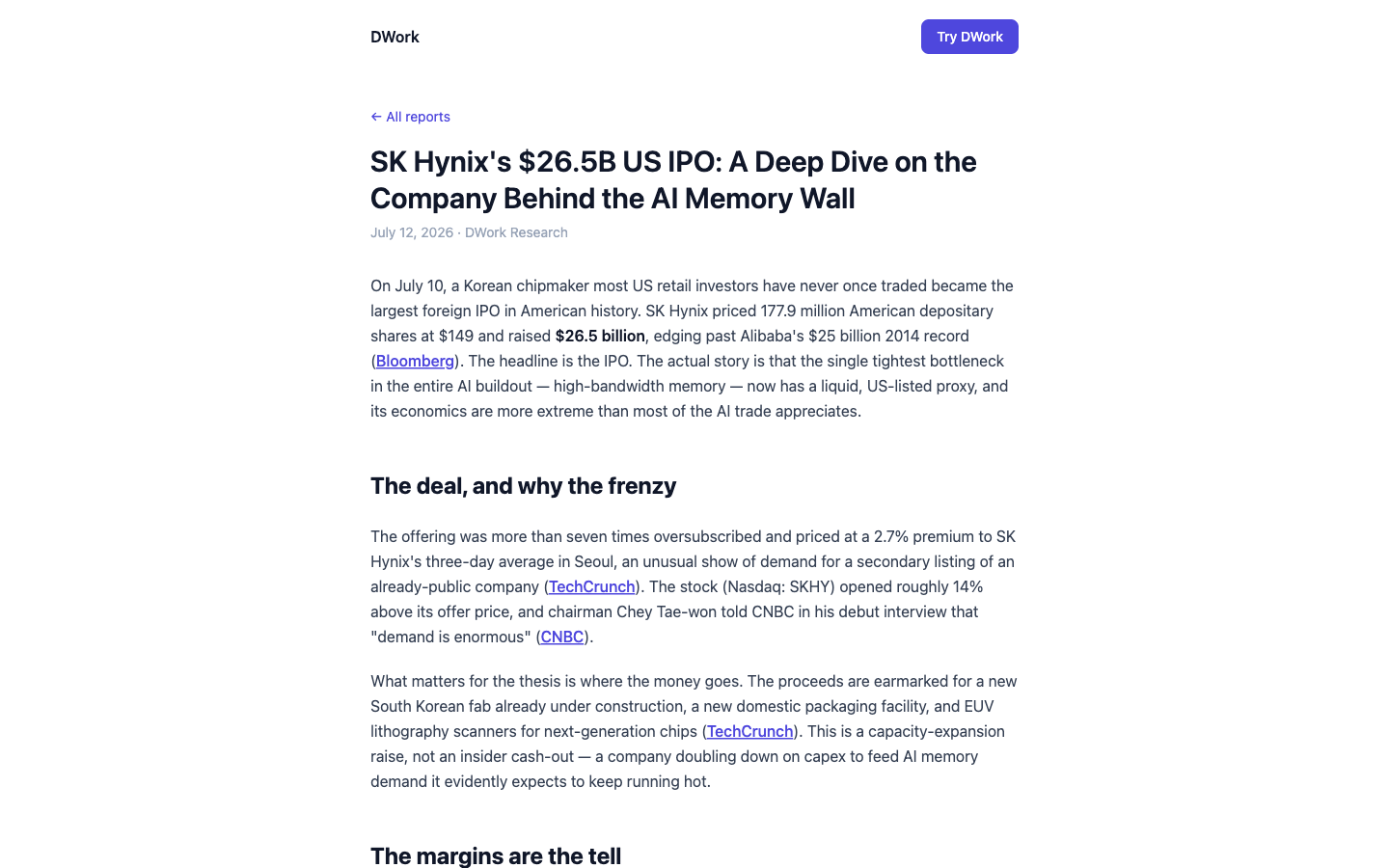
Step 3 — Ask for the format you'll actually use. A wall of prose is not a digest. Tell it how you want the output shaped:
"Give me a table — company, what changed, why it matters in one line, and a link to the source. Then a short paragraph on any theme showing up across more than one company."
You get a structured file — a table plus a brief — not a chat transcript you have to reformat. That's the difference between something you skim and something you send on.
Step 4 — Drill into anything, and check the receipt. When one line matters, follow up in the same thread:
"On Company B's filing — pull the exact section about the pricing change and quote it, with the page."
Every claim traces back to a primary source you can open yourself. You're never asked to trust a summary on faith; you click through to the filing and read the paragraph it came from.
Step 5 — Keep it, so next quarter is nearly free. Save the task and its sources into a knowledge space. When the next busy stretch arrives, you're not starting from a blank page — the watchlist, the output format, and everything already gathered are there to build on.
Proof. Want to see the shape of the output before you build your own? Here's a published example in the checkable-findings style these digests use, where every claim links back to where it came from: The Research You Don't Quite Trust: How to Get Findings You Can Actually Check.
What to watch out for. Two honest limits, so you set it up right.
It's scheduled, not real-time. dwork runs on the cadence you give it and works from public and primary sources — filings, official pages, news. It does not stream intraday market data or react the instant something is published. For "what changed this week," that's exactly the right tool. For a live number on your screen, it isn't.
It's analysis, not advice — and not the paywalled terminals. dwork won't reach into Bloomberg- or FactSet-type subscription databases, and it won't tell you what to do with what it finds. It hands you an organized, sourced picture of what changed; the judgment stays yours.
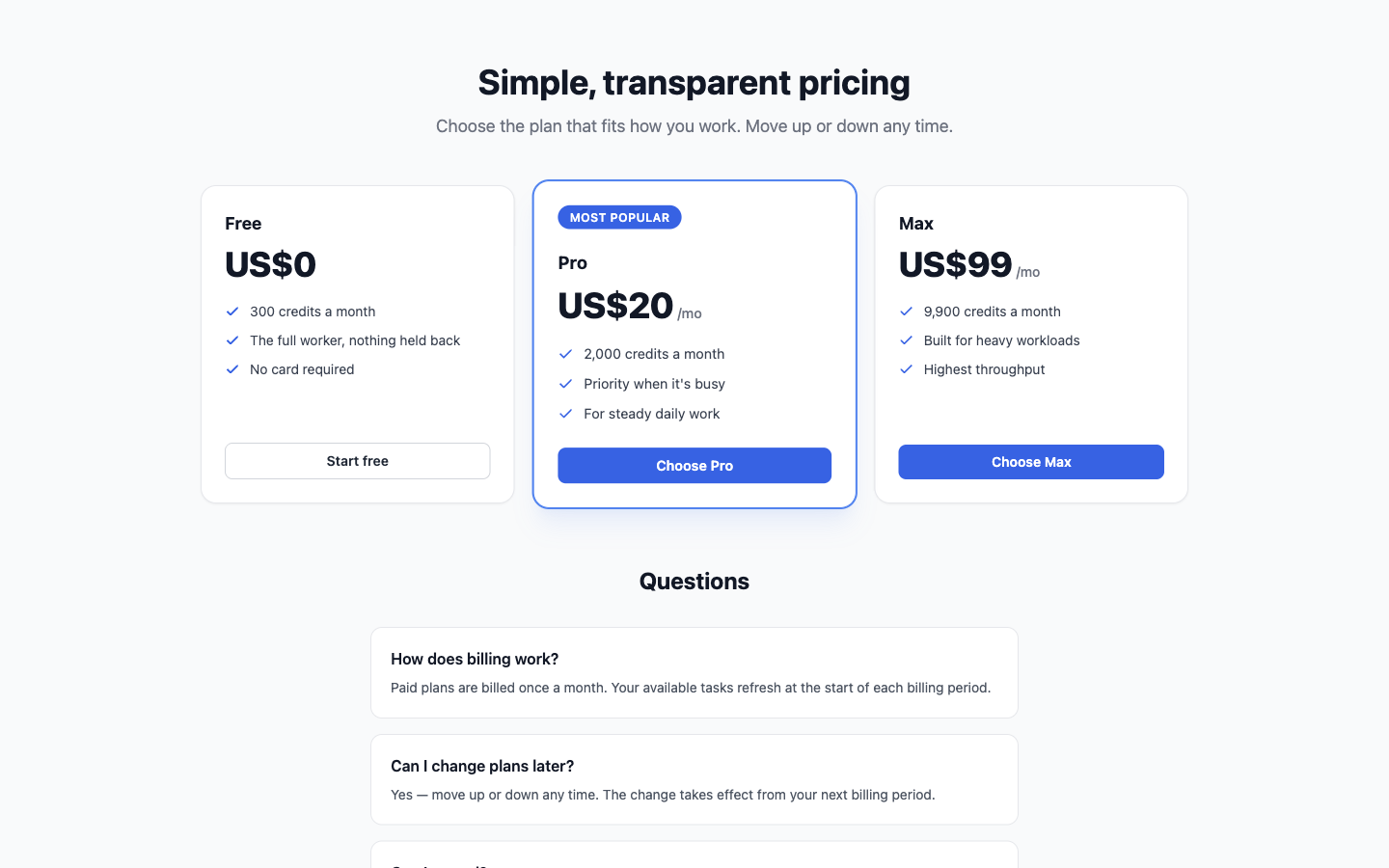
You can build and run this entire workflow on the free tier — 300 credits covers several full monitoring runs before you decide whether it's worth $20 a month.
Try this workflow free → https://dwork.ai/sign-up
Built with dwork.ai